Nakon što izvršite Bitcoin transakciju na Kriptomatu, dobit ćete potvrdu transakcije. Taj listić služi kao dokaz da je transakcija uspješno pokrenuta. Sada možete prijeći na sljedeće korake i provjeriti status svoje transakcije izravno na Bitcoin mreži.
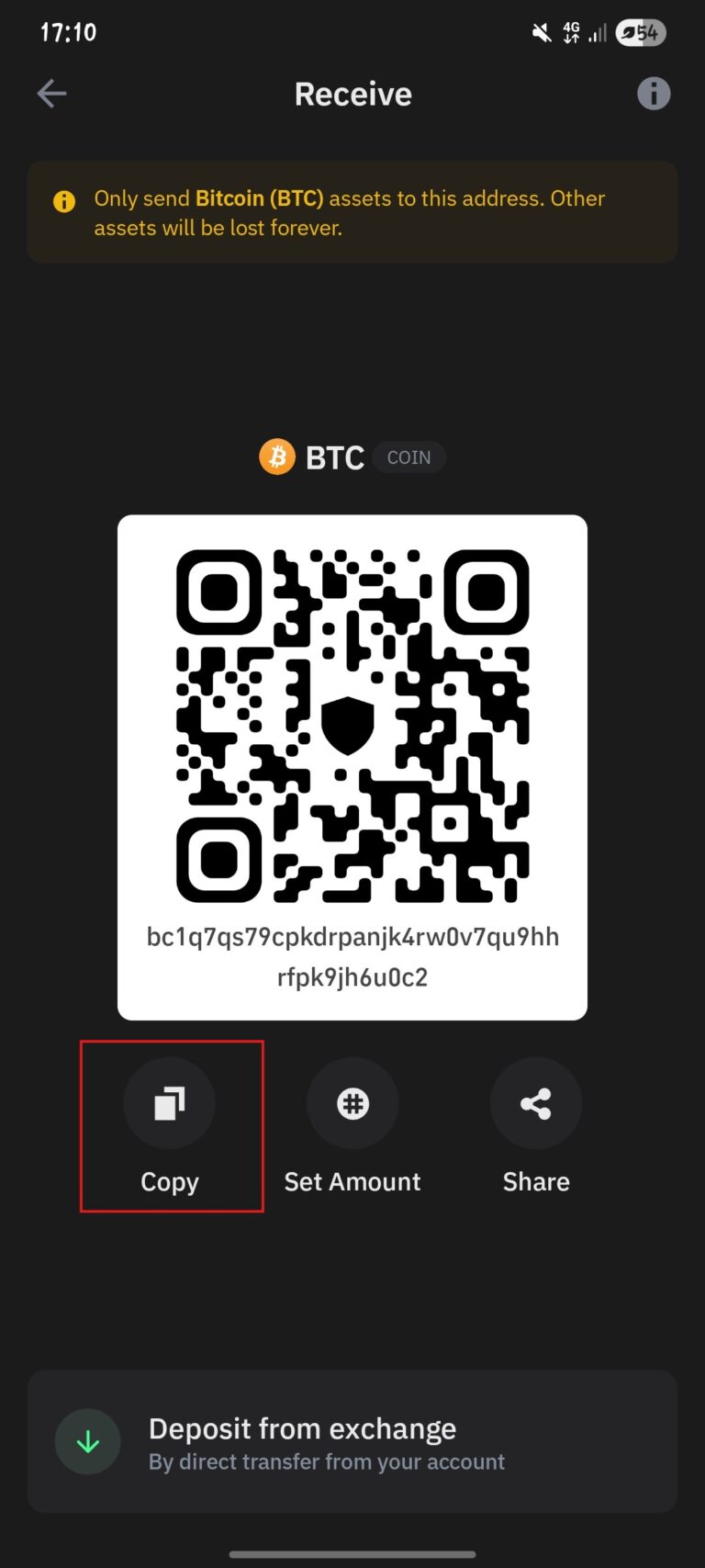
1. Copy your Bitcoin address
Once you’ve made a transaction at Kriptomat, copy your Bitcoin email address.
2. Open the blockchain explorer
Go to blockchain.com/explorer. It is a public tool that anyone can use to keep track of Bitcoin transactions.
In the upper right corner, you have an icon that you need to click on to enter your Bitcoin address.
3. Paste your address into the search engine
In the field provided, paste your Bitcoin address and click on the search button.
4. View transaction details
Your wallet details will be displayed on the page. By scrolling down slightly, you will get an overview of all transactions and their details.
If the transaction has been initiated, you will see all the details. Pay attention to:
Status – whether the transaction has been confirmed or is still pending (displayed as Unconfirmed).
Number of confirmations – each new confirmation means that the network has further secured your transaction.
Time – when the transaction was sent.
5. How long should I wait?
The confirmation time depends on the load on the Bitcoin network. On average, a new confirmation comes about every 10 minutes, but sometimes it can take longer.
For smaller amounts, 1-2 certificates are usually sufficient.
For the security of larger amounts, 6 certificates are often waited for.
You can wait about 30 minutes to a maximum of 2 hours for the money to sit in your wallet, which is completely normal.
Napomena za druge mreže
Ako ste putem Kriptomata koristili neku drugu kriptovalutu, važno je znati da svaka mreža ima svoj blockchain explorer i zaseban vodič za provjeru transakcija:
Bitcoin (BTC) – transakcije se provjeravaju putem coin.cz explorera.
Ethereum (ETH) – za ETH transakcije koristi se Ethereum mreža i odgovarajući explorer.
USDC na Ethereum mreži – iako je riječ o stablecoinu, transakcije se provjeravaju na Ethereum blockchainu.
USDT (Tether) na Tron mreži – koristi se Tron blockchain i zaseban explorer.
Svaki od ovih blockchaina funkcionira neovisno, ali je postupak provjere sličan: unosom adrese možete provjeriti status, potvrde i detalje transakcije.
Napomena: Ovaj članak služi isključivo u informativne svrhe i ne predstavlja financijski, investicijski, porezni niti pravni savjet. Kriptovalute nose rizik gubitka vrijednosti. Korisnici bi prije donošenja bilo kakvih odluka trebali samostalno procijeniti rizike povezane s kriptoimovinom.