How to check an Ethereum transaction?

Transaction on Kriptomat

Once you have completed a transaction on Kriptomat, you will receive a transaction confirmation. This slip serves as proof that the transaction has been successfully initiated. You can now proceed to the next steps and check the status of your transaction directly on the Ethereum network.

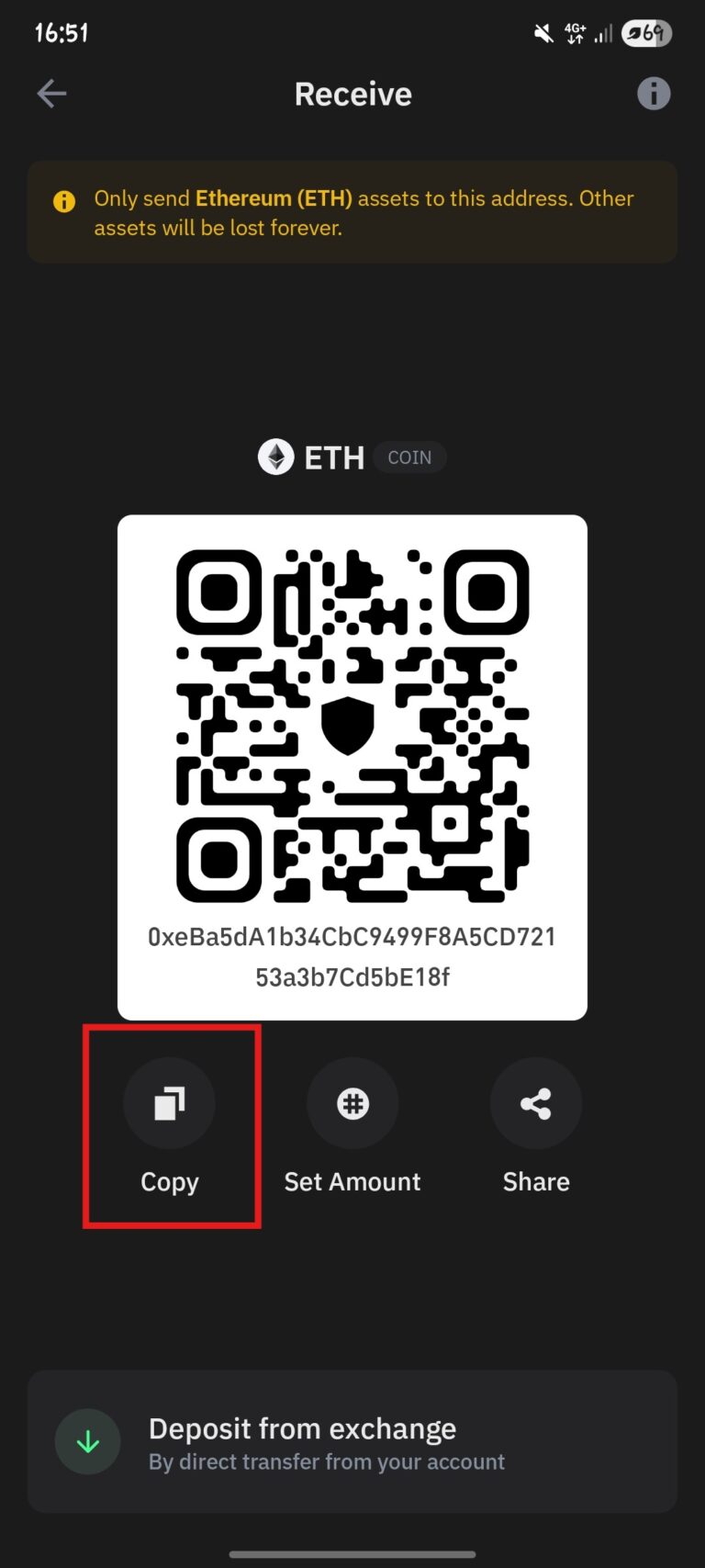
1. Copy your Ethereum address

Once you’ve made a transaction on Kriptomat, copy your Ethereum sending email address.

2. Open Etherscan

Go to etherscan.io it is the most famous and reliable blockchain explorer for the Ethereum network and ERC-20 tokens.

3. Paste your address into the search engine

  1. Paste your Ethereum address into the search engine.
  2. Click on the search button.

4. View transaction details

Your wallet details will be displayed on the page. By scrolling down slightly, you will get an overview of all transactions and their details.

If the transaction has been initiated, you will see all the details. Pay attention to:

  • Status – whether it says “Pending” or “Success”.
  • Time (age) – when the transaction was sent.
  • Amount – The amount of tokens that were sent in a transaction.

Note for other networks

If you have used another cryptocurrency through Kriptomat, it is important to know that each network has its own blockchain explorer and a separate guide for verifying transactions:

  • Bitcoin (BTC) – transactions are verified through coin.cz explorer.
  • Ethereum (ETH) – for ETH transactions, the Ethereum network and the corresponding explorer are used.
  • USDC on the Ethereum network – although it is a stablecoin, transactions are verified on the Ethereum blockchain.
  • USDT (Tether) on the Tron network – the Tron blockchain and a separate explorer are used.

Each of these blockchains functions independently, but the verification process is similar: by entering the address, you can check the status, confirmations, and transaction details.